The magazine for authors
Chapter I: Craft & Practice
From the first sentence to the finished manuscript: tools, habits and the form in which a text reaches a publisher’s desk.
6 articles
- Writing Software for Authors: How to Choose the Right Tool for Your BookA novel is a document you live with for months or years. Here is what writing software needs to do for a book-length project, how the familiar tools compare, and how to choose one that never locks your manuscript in.6 min read
- How to Write Your First Book: From Idea to Finished First DraftMost first novels do not fail for lack of talent. They stall halfway. These are the principles that carry you from the first spark to a complete first draft, and why finishing beats polishing.6 min read
- Standard Manuscript Format: How to Format and Measure Your NovelAgents and editors expect manuscripts in a standard format and measure them in words, not pages. Here is what that format looks like, how to count your length, and the mistakes that mark a submission as amateur.3 min read
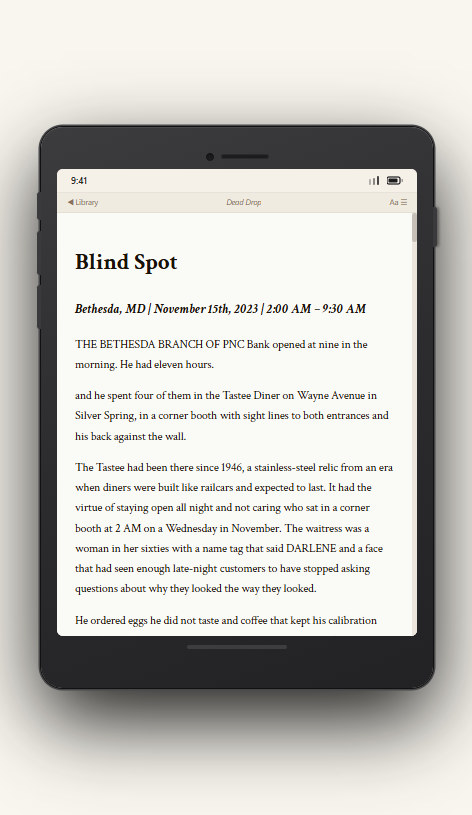
- What Is a Manuscript? Meaning, Stages and the Submission DraftFrom first draft to galley proof, your book is called a manuscript, but it is not always the same thing. What the word means, the stages a manuscript moves through, and what the version you send to agents should look like.6 min read
- How to Write a Children's Book: Age Groups, Word Counts and IllustrationChildren's books are short, but they are not easy. Which formats suit which ages, what word counts publishers expect, how text and pictures work together, and what to know before you submit.5 min read
- How to Write Fanfiction: Craft, Communities and Moving On to Original WorkFor many writers, fanfiction is where it all starts, and it is a genuinely good training ground. What the craft demands, how fan communities work, what to know about copyright, and how a fan story can become an original novel.5 min read
Chapter II: Dramaturgy & Character
What makes a story hold: tension, turning points and characters whose desires drive the plot.
3 articles
- How to Plot a Novel: Proven Methods ComparedThree-act structure, the Hero’s Journey, the Snowflake Method, Save the Cat or scene cards: what each method does, who it suits and how much planning a novel really needs.6 min read
- Character Profiles: How to Build Characters with DepthA useful character profile is not a list of eye colours and favourite foods. It is a tool that generates story. What belongs in one, how want, wound and need fit together, and how to use the profile while you draft.6 min read
- What Is Plot? The Blueprint of a StoryPlot is not just what happens. It links events through cause and effect, drives them with conflict and shapes them into a rising arc. Here is what plot is made of and how to test whether yours holds.5 min read
Chapter III: Literary Worlds
The laws of each genre, from thriller to children’s book, and where it pays to break them on purpose.
3 articles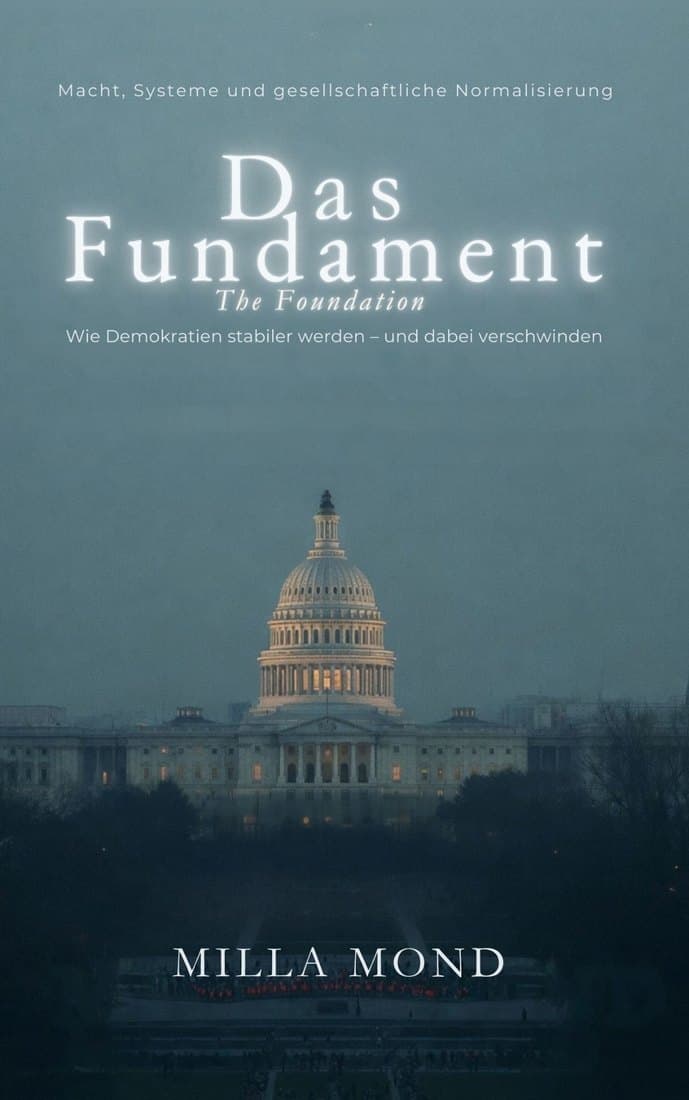
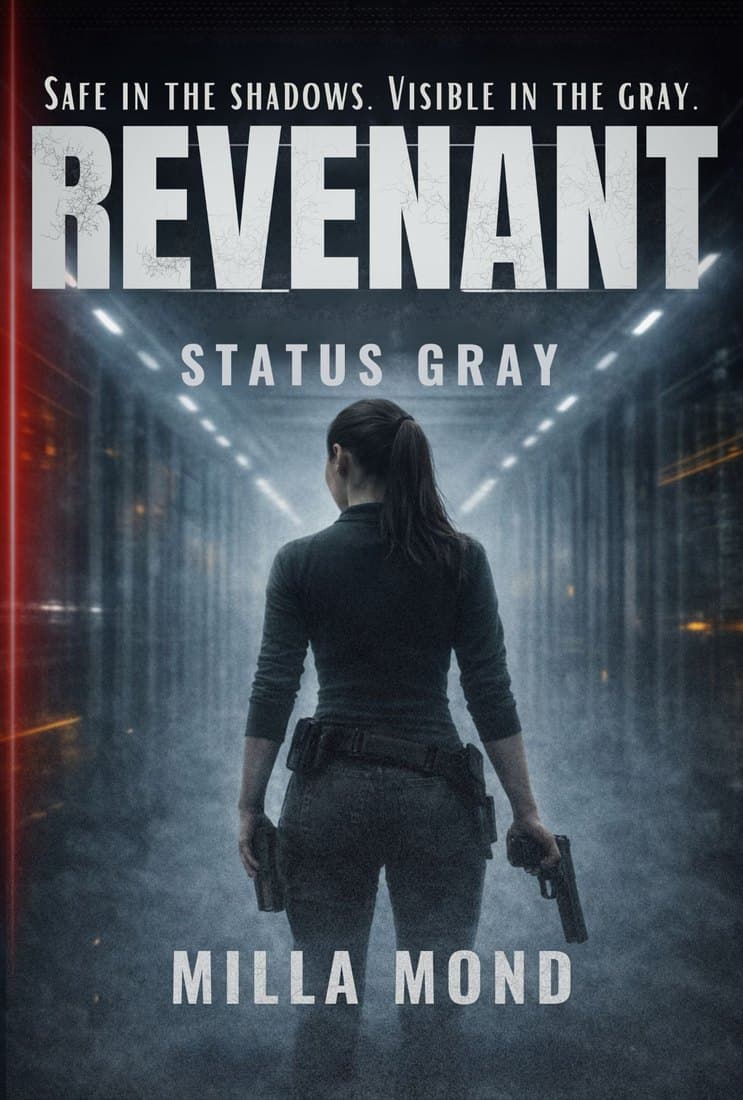

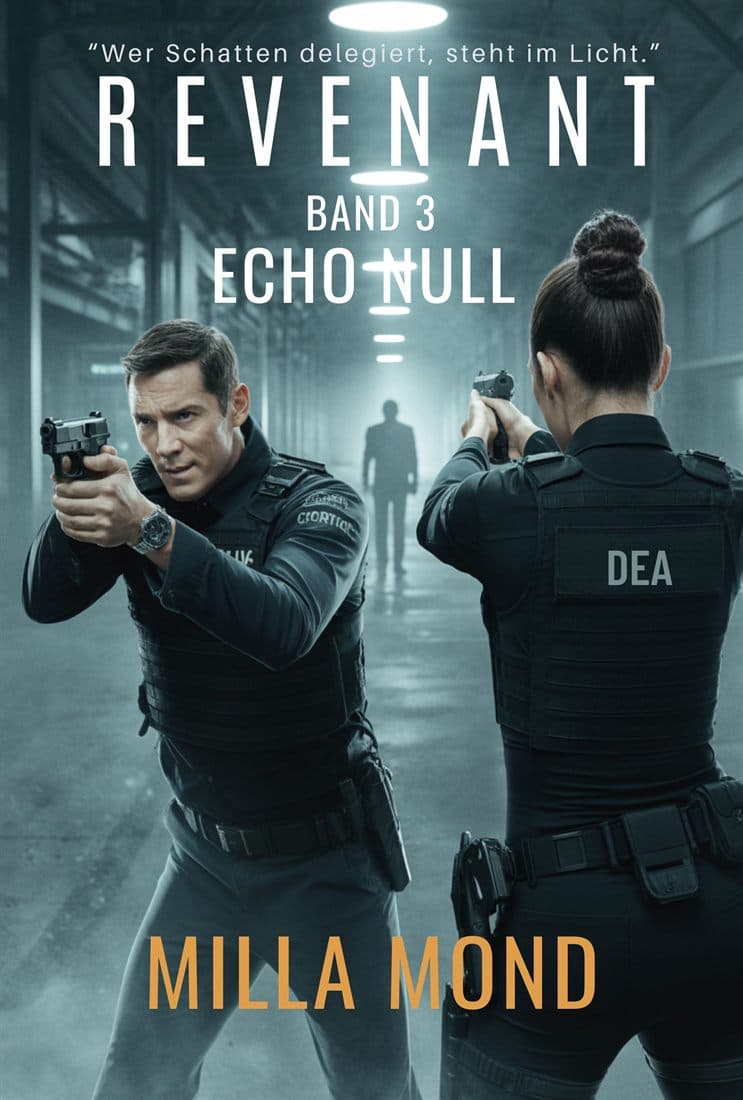
- Mystery vs. Thriller: What’s the Difference?They often share a shelf, but mysteries and thrillers create tension in different ways: one with a puzzle, the other with a threat. How the two genres differ in structure, viewpoint and pace, and which subgenres belong to each.6 min read
- Book Genres Explained: A Guide for AuthorsFrom romance to science fiction, from cozy mystery to romantasy: the main fiction genres and their subgenres, the difference between genre and age category, and why the right classification matters so much to agents, retailers and online stores.6 min read
- How to Write Dark Romance: Conventions, Reader Expectations and Responsible CraftDark romance pairs a love story with dark themes, morally grey characters and deliberately unsettling moments. What defines the subgenre, what readers expect, and how to handle content warnings, framing and platform rules with care.6 min read
Chapter IV: Book Aesthetics & Typesetting
Type area, typeface and cover: what makes a book feel valuable in the hand before a single line is read.
2 articles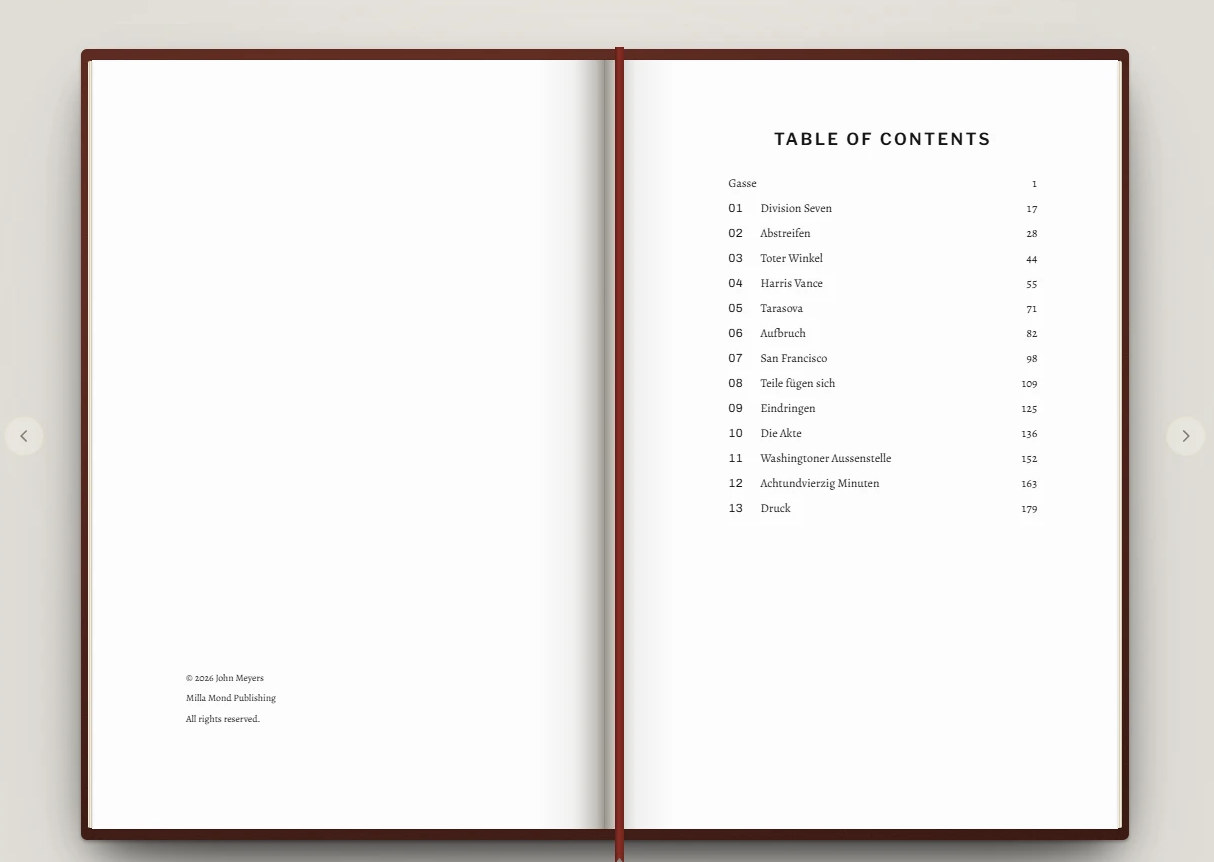
- How to Design a Book Cover: Genre, Typography and Print FilesYour cover decides whether anyone clicks on your book at all. How to send the right genre signals, keep the title readable at thumbnail size, set up ebook and print covers correctly and stay on the right side of image rights.6 min read
- Paperback Trim Size, Binding and Print: How to Plan Your BookBefore your paperback can be printed, trim size, paper, margins and cover have to fit together. The common trim sizes, how page count drives spine width, and what determines your printing cost.5 min read
How to Design a Book Cover: Genre, Typography and Print Files
Your cover decides whether anyone clicks on your book at all. How to send the right genre signals, keep the title readable at thumbnail size, set up ebook and print covers correctly and stay on the right side of image rights.
6 min read · Updated September 23, 2026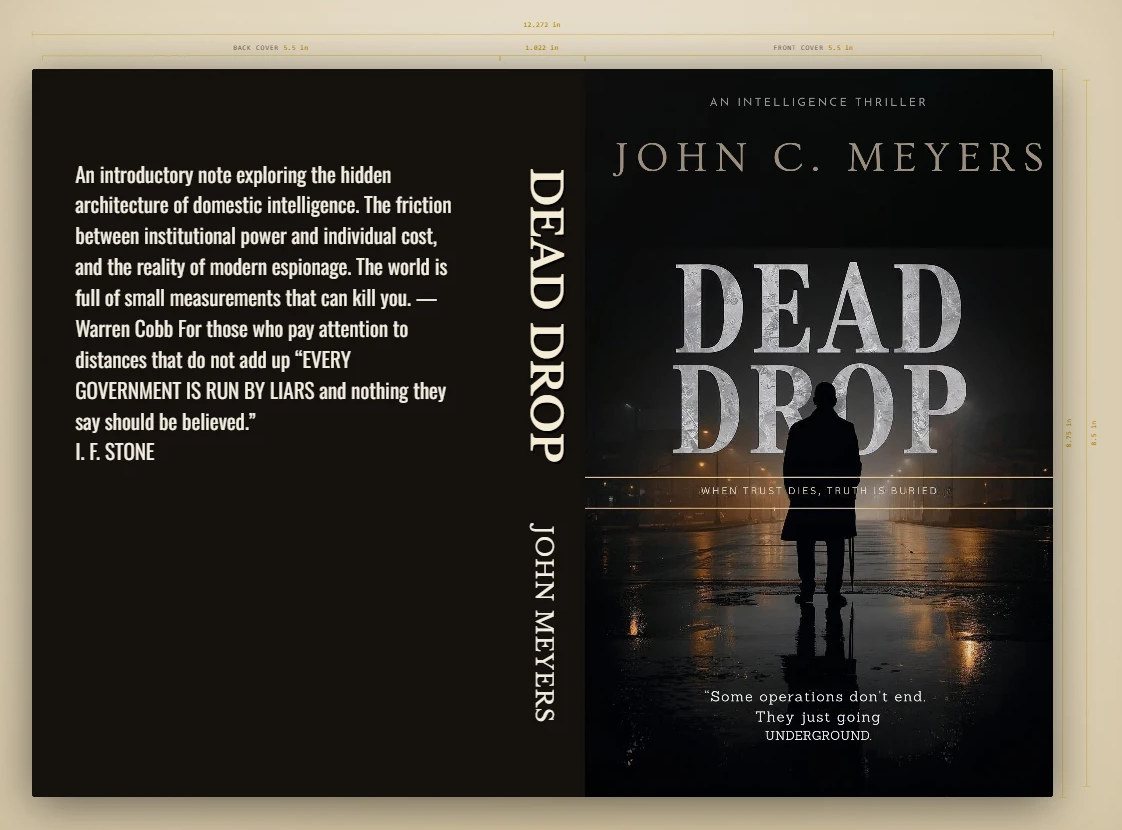
A cover is not an illustration of the plot. It is a promise to a particular kind of reader. Someone scrolling through a page of thrillers decides in a moment which book deserves a second look, and in that moment nobody reads the blurb. What counts is mood, colour, type and the sense that this book looks like the books they already love.
This guide takes you through the work in order: what your genre expects, how to handle typography and legibility, and the technical specifications for ebook and print. It ends with the rights questions that many self-published authors underestimate.
Genre signals: the cover says what kind of book it is
Every genre has a visual language that readers have learned over years. It is not a rulebook, but ignoring it attracts the wrong readers or none at all. A romantic comedy dressed like a Nordic noir disappoints both audiences.
| Genre | Typical signals |
|---|---|
| Thriller, mystery | High-contrast, often dark imagery; a lone figure or place; big, heavy title type, often in capitals |
| Fantasy | Symbolic objects, landscapes or characters; ornamental type; rich colour |
| Romance | Couples, settings or illustrated motifs; soft palettes; script or elegant serif type |
| Literary fiction | Restrained imagery, plenty of space, refined typography; often one strong visual idea |
| Non-fiction | Clear hierarchy, large title, prominent subtitle; the image supports the message rather than a mood |
Typography: title, author name, subtitle
Type often carries more genre information than the image. Use two typefaces at most: one for the title, one for the author name and supporting lines. More than that quickly looks restless.
- Set the hierarchy. For a debut, the title is usually the largest element. Established authors are often billed larger than the title, because the name sells.
- Protect contrast. Text needs a calm background or a clear difference in brightness. A subtle outline or shadow helps on a busy image, but it must not look cheap.
- Track with intent. Capitals look more refined with a little letter spacing; lowercase text should not be spaced out.
- Check the licence. Not every font may be used on a commercial product. Read the licence before you design.
Readable as a thumbnail
In search results, recommendation rows and on a phone, your cover appears about the size of a postage stamp. That is where the click happens. Background detail vanishes, thin strokes blur and subtitles become illegible.
Check every draft at three sizes: full resolution, roughly the size of your thumbnail, and as small as the store shows it in a results list. At the smallest size you should still make out the title, the overall mood and one central image. The author name may shrink there unless it is your strongest selling point.
Ebook cover and print cover: two different files
The ebook needs only the front cover as an image. A printed book needs a full wrap: back cover, spine and front cover side by side, with extra margin for trimming. Both files share the artwork, but they are built differently.
| Ebook cover | Print cover | |
|---|---|---|
| Content | Front only | Back, spine and front as one piece |
| Size | In pixels; Amazon KDP recommends 1,600 × 2,560 px (1 : 1.6 ratio) | In inches, depending on trim size, page count and paper |
| Colour | RGB | Printed in CMYK; many printers specify a colour profile |
| Resolution | Enough pixels to stay sharp on large screens | At least 300 dpi at final size |
| Bleed | None | Bleed on all outer edges, 0.125 in (3.2 mm) at KDP |
| File type | Usually JPEG or TIFF | Usually PDF |
Treat these figures as a guide, as of 2026. Every platform and printer has its own specifications; check the current requirements before you build the file.
Spine and back cover
Spine width follows from page count and paper thickness, so it is only fixed once the interior is typeset. If the page count changes by a few pages, the print cover has to be recalculated. Thin books have no room for spine text: KDP only allows it from 79 pages. Keep spine text slightly away from the folds anyway, because binding always involves small shifts.
The back cover sells when the book is in someone's hands. It carries the blurb, perhaps a short review quote, your imprint and the barcode with the ISBN. Leave a clear, light area near the bottom for the barcode; some platforms place it themselves in a fixed position.
Image rights, font licences and AI images
A cover is a commercial product. You need the right to use every element on it in that way.
- Stock photos: read the licence closely. Some standard licences cap print runs or exclude certain uses; a book cover may require an extended licence.
- People in photos: recognisable people need a signed model release. Reputable agencies state whether one exists.
- Fonts: typefaces are licensed too. Free to download does not mean free for commercial use.
- AI-generated images: copyright protection for them is unsettled or limited in many countries, and some platforms ask you to disclose AI-generated content. Check the terms of the tool and of the store.
- Commissioned art: get the usage rights for print, ebook, advertising and future editions in writing from your designer or illustrator.
This overview is not legal advice. If you are unsure about a licence, ask a qualified professional before the book goes on sale.
Before your cover goes to print
- Genre signal checked against the bestsellers in your subgenre
- Title readable at thumbnail size
- Ebook cover in RGB at the recommended pixel size
- Print cover calculated with the final page count and paper
- Bleed added, text inside the safe area
- Artwork at least 300 dpi at final size
- Clear space for the barcode
- Licences for images and fonts on file
- Proof copy ordered and checked
How the cover fits the interior is covered in our guide to paperback trim size, binding and print. For uploading both files to Amazon, see how to publish on Amazon KDP.
Frequently asked questions
Can I design my own book cover?
Yes, if you stay close to the conventions of your genre and take the thumbnail test seriously. Many self-published authors design their own ebook covers and ask someone else for honest feedback. For complex illustration, a professional is usually worth it.
Why doesn't my print cover fit any more?
Usually the page count has changed, after a final round of edits or a different layout. That changes the spine width and with it the total width of the wrap. Always build the print cover from the final interior file.
Can I use an AI-generated image?
That depends on the terms of the tool and of the store you publish with. Some stores ask whether a book contains AI-generated content. Copyright protection for such images is not settled everywhere, so get advice if you are unsure.
Chapter V: The Road to the Reader
Query, publisher or self-publishing: the routes from manuscript to book, and what each of them demands.
3 articles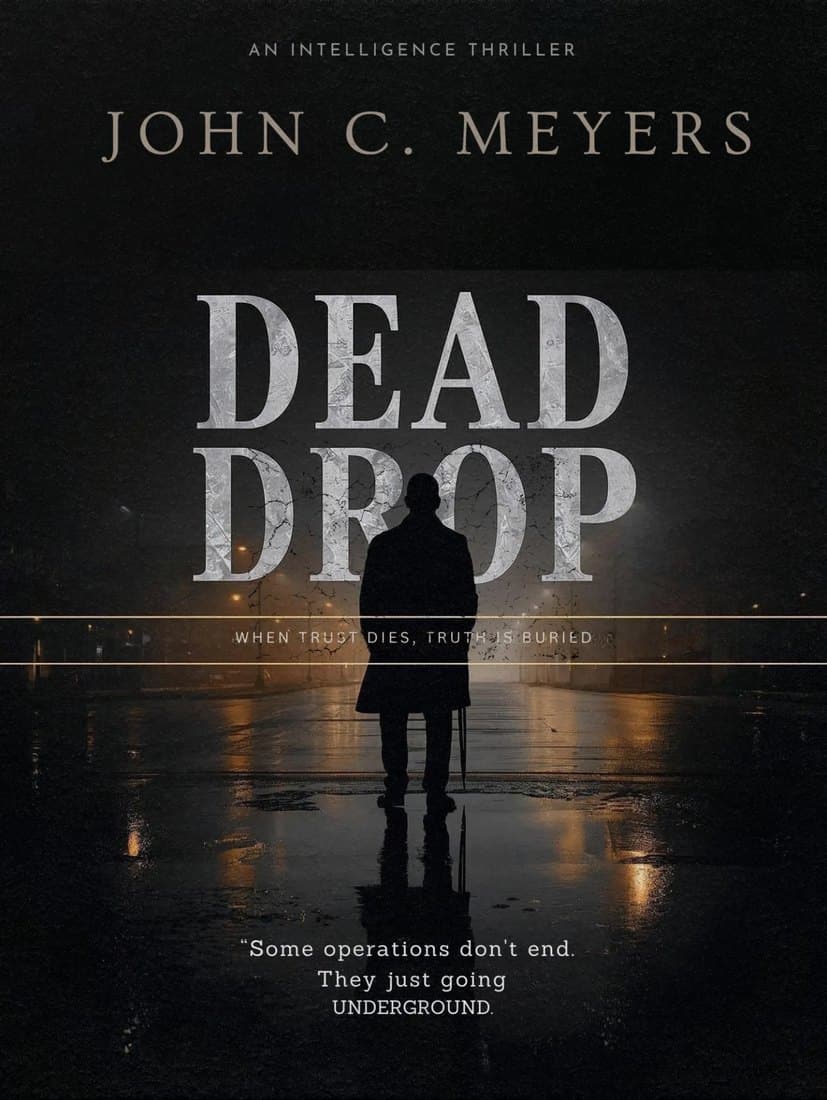

- How to Publish a Book: The Paths from Manuscript to MarketTraditional publisher, small press, self-publishing or a paid service: every path to a published book has its own strengths, costs and timelines. A clear-eyed overview to help you choose the right one for your manuscript.6 min read
- How to Publish on Amazon KDP: Ebook and Paperback, Step by StepKindle Direct Publishing is where many self-published authors start. How to set up your account and tax information, choose metadata and categories, understand pricing and royalties, and prepare your print files.6 min read
- How to Write a Synopsis (and the Rest of Your Query Package)Agents decide from a query letter, a synopsis and a few sample pages whether to read your manuscript. What goes into each part, how long a synopsis should be and the mistakes that lead to a quick pass.5 min read
Chapter VI: Visibility & Reach
How readers find your book: author website, series, reviews and what a book really earns.
3 articles
- Book Marketing for Authors: What Actually WorksMarketing starts with your cover and blurb, not after launch day. A clear-eyed guide to audience, newsletters, social media, reviews, ads, bookstores and series.6 min read
- How to Build an Author Website: Domain, Pages and What to Put on ThemYour website is the one place online that you fully own. Which pages it needs, what readers and press look for, and the privacy basics to cover before you launch.6 min read
- How Much Do Authors Earn per Book? Royalties, Advances and Real NumbersRoyalties, advances, earning out: what reaches you from a book's cover price depends on how it is published. Worked examples for traditional and self-publishing, subsidiary rights and the costs authors forget.5 min read